Install on Next.js / Developer Setup
Add Cromojo in a modern JavaScript framework
Written By David
Last updated 1 day ago
For Next.js (and most modern frameworks), load the Cromojo script with the framework's script component in your root layout, so it runs on every route.
Add the script
In Cromojo, go to Settings > Analytics and copy your snippet. You'll need every data- value in it, not only data-site-id.
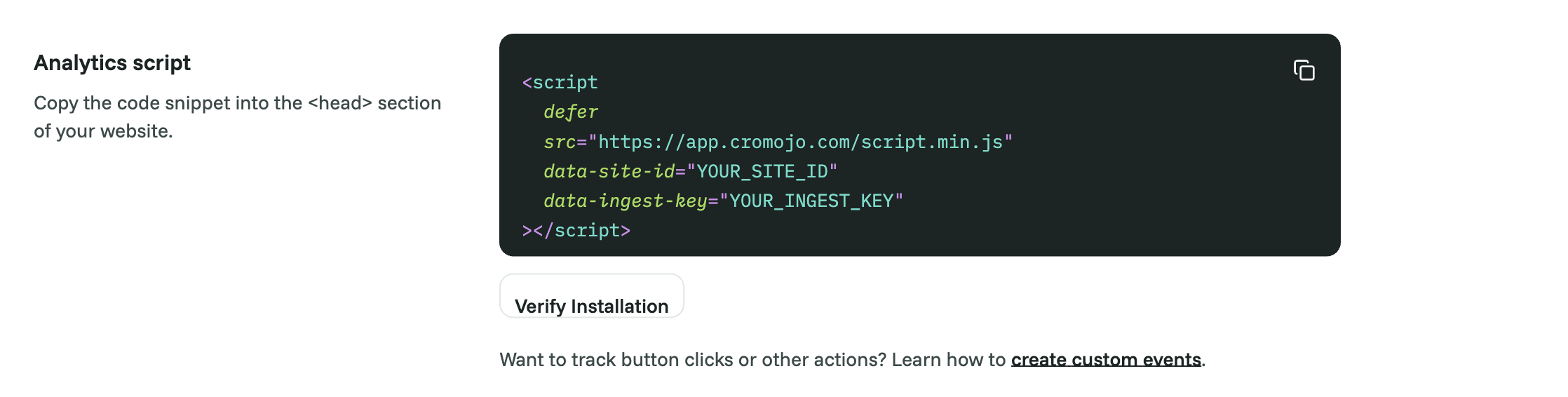
Open your root layout. In the Next.js App Router that's app/layout.tsx.
Add Next's Script component with the same src and data- values as your snippet:
import Script from 'next/script';

export default function RootLayout({ children }: { children: React.ReactNode }) {
  return (
    <html lang="en">
      <body>
        {children}
        <Script
          src="https://YOUR-CROMOJO-SCRIPT-ADDRESS/script.min.js"
          data-site-id="sxxxxxxxxxxxxxxxxxxxxxxx"
          data-ingest-key="xxxxxxxxxxxxxxxxxxxxxxxxxxxxxxxx"
          strategy="afterInteractive"
        />
      </body>
    </html>
  );
}
If your snippet also has data-consent-mode or data-proxy, add those lines too, with the same values.
Deploy your app.
Using the Pages Router? Put the same Script component in pages/_app.tsx.
Verify
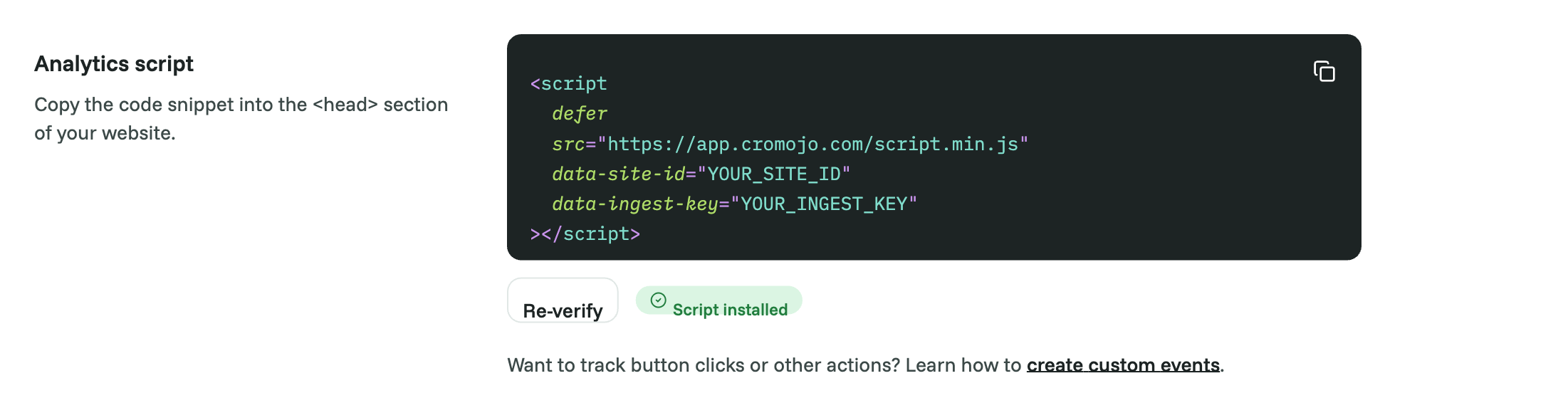
Visit your deployed site, then in Cromojo open Settings > Analytics and click Verify Installation.
Good to know
Don't leave out data-ingest-key. Without it Cromojo ignores every visit, with no error in your browser console.
Page changes are tracked automatically. Client-side navigation (router.push, Link) counts as a page view, no extra code needed.
Keep the values in sync. If you change your First-party tracking settings in Cromojo, the snippet changes. Copy the new values into your layout and redeploy. Storing them in environment variables (for example NEXT_PUBLIC_CROMOJO_SITE_ID) makes this easier.
Custom events: once the script has loaded, call window.CRMJ.trackEvent('signup', { plan: 'pro' }).
Staging: give staging its own Cromojo website and snippet so test traffic stays out of your real reports.
Was this helpful?
Still need help? Ask the team