Reports and Exports
Get the full data behind your indexing
Written By David
Last updated 3 days ago
CSV exports are included from Starter
Want the numbers, not just the dashboard? Cromojo’s reports and exports give you the detailed indexing data for your site, handy for deeper analysis or sharing with a client or team.
Where to find it
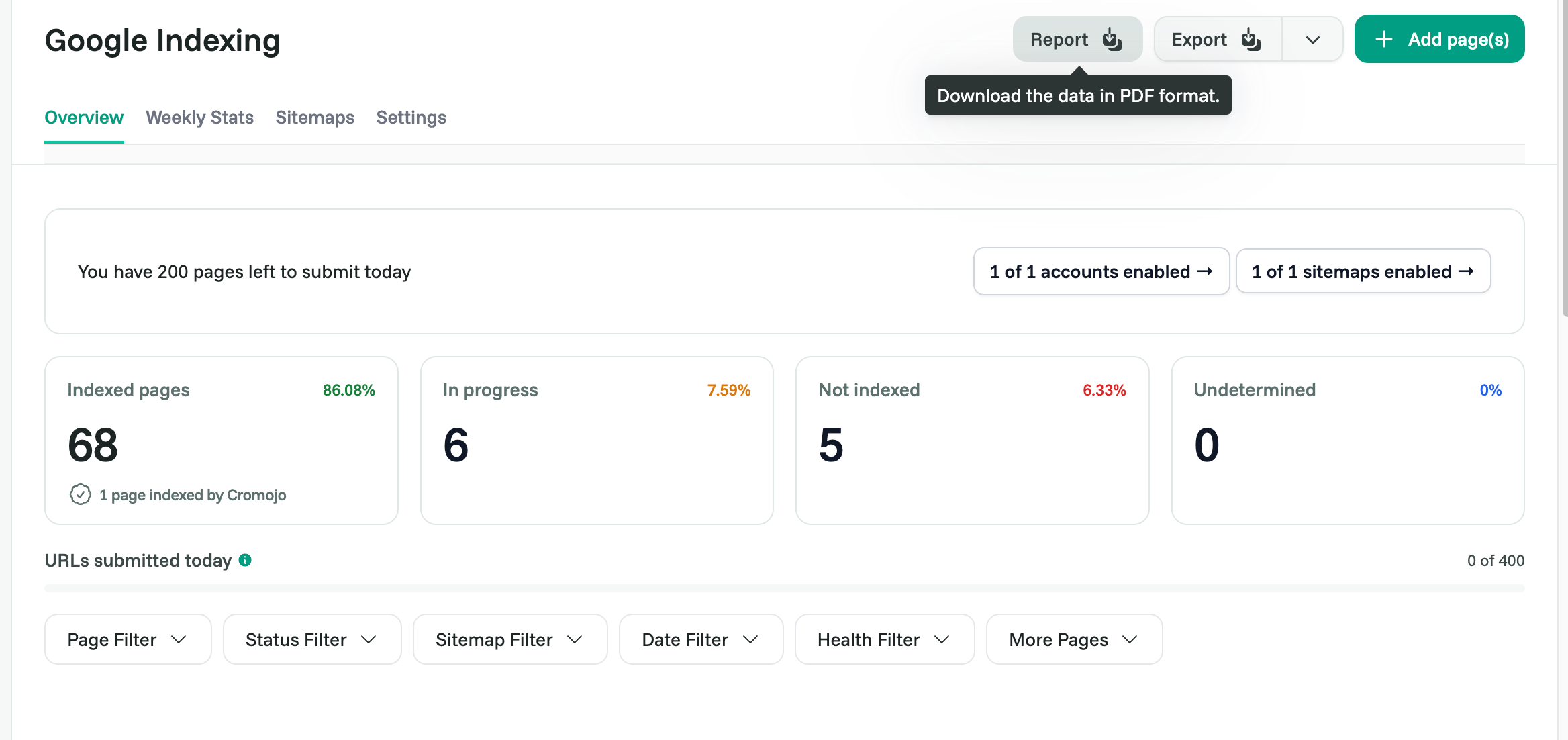
Open Google Indexing. On the Overview tab, filter the table and click Export to create a CSV. Your exports are listed on the Reports tab, where you can download them once they're ready.
What you can do
Review indexing reports for your pages and their status over time.
Export the data to analyze elsewhere or hand it to someone else.
Related articles
Was this helpful?
Still need help? Ask the team