Do I need a GSC connection for Cromojo to work?
What needs Search Console, and what doesn't
Written By David
Last updated 3 days ago
Short answer: for indexing and SEO Revenue, yes. Google Search Console (GSC) is how Cromojo sees your site's pages in Google and is allowed to submit them for indexing. Web Analytics, Domain Monitoring and Page Performance work without it.
What is Google Search Console?
GSC is Google’s free tool for site owners. It shows how your site performs in Google Search and lets approved tools submit pages for indexing. It’s free and takes a couple of minutes to set up.
How to connect it
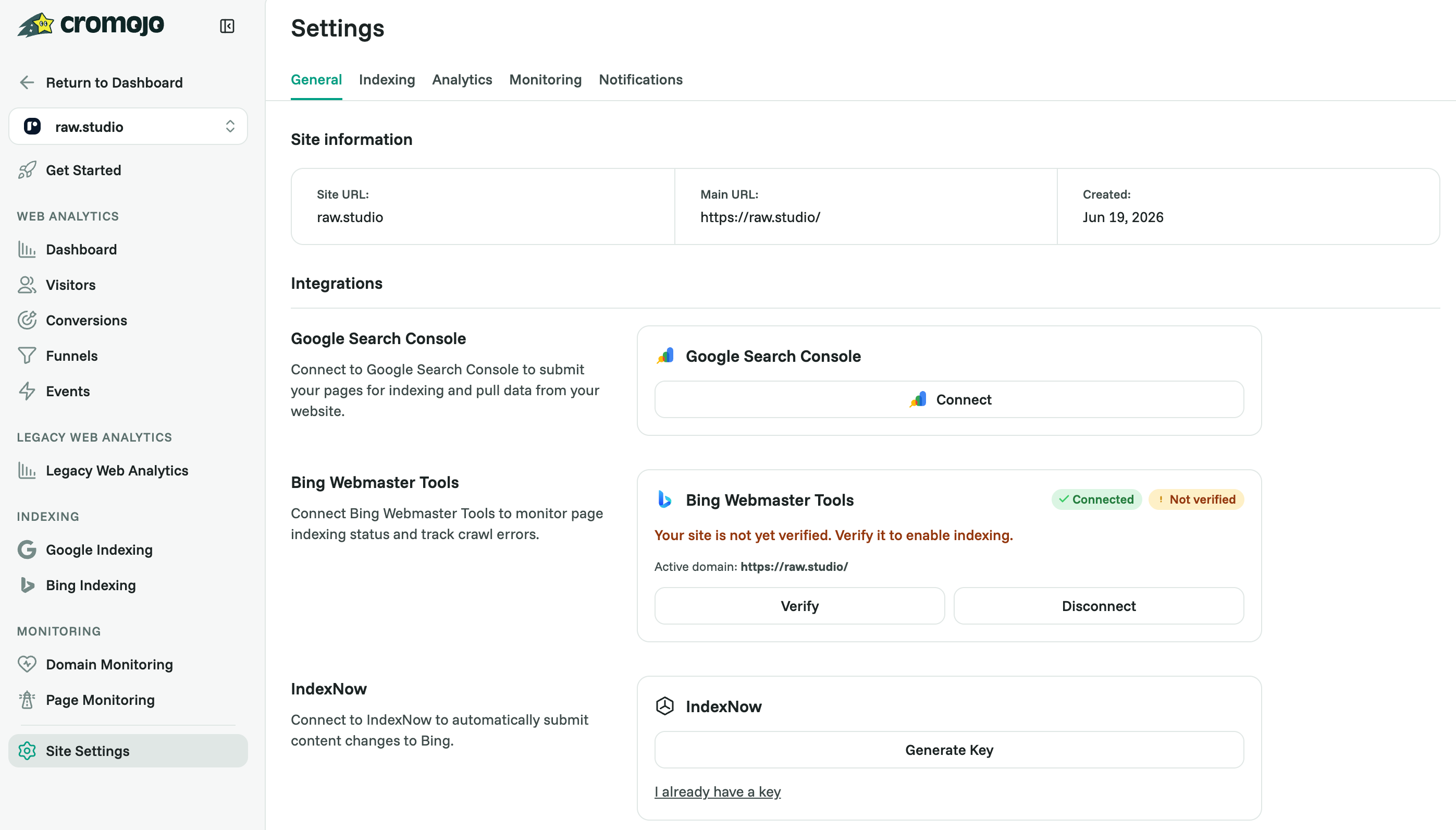
Open your website's Settings > General (or the Search Console step of the guided setup) and click Connect on Google Search Console.
Sign in with the Google account that has access to your site in Search Console.
Choose which Search Console property belongs to this website (for example sc-domain:yourdomain.com or https://www.yourdomain.com/). Properties that don't match your website are shown but can't be picked.
To submit pages for indexing, also add Cromojo's indexing bot as an Owner in Search Console (Settings > Indexing > Service Account).
Good to know
The property needs Owner or Full access; Restricted access shows a warning.
You can manage the connection any time in Settings.
Related articles
Was this helpful?
Still need help? Ask the team