Install on Any HTML Website
The manual install for hand-coded sites
Written By David
Last updated 1 day ago
If you manage your own HTML files (a static site, a custom-built site, or anything where you can edit the code), you add Cromojo by pasting the script into your page's head.
Add the script
In Cromojo, go to Settings > Analytics and copy the whole snippet.
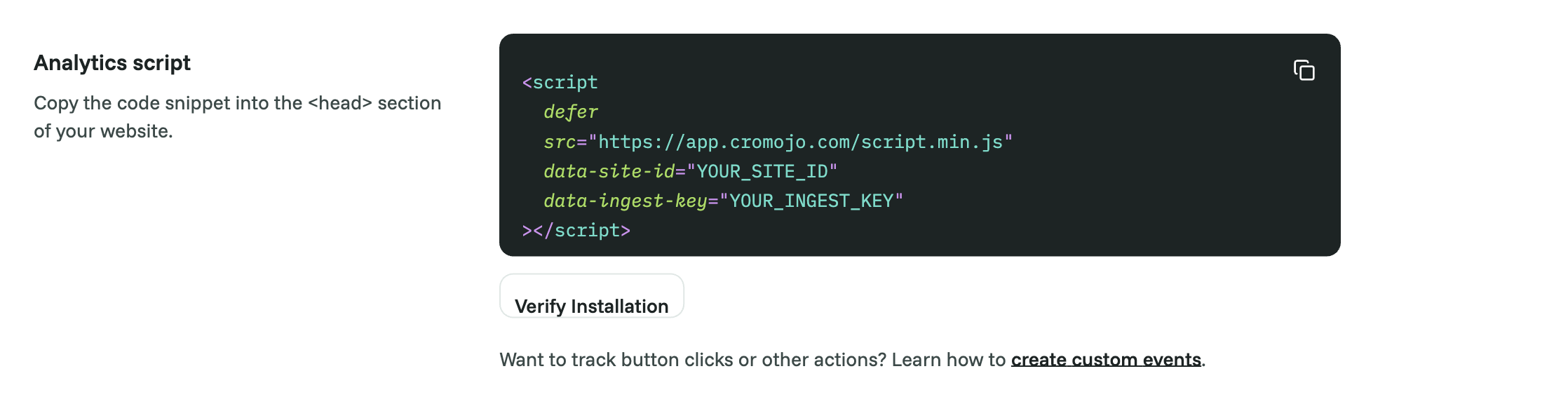
Open the HTML file(s) for your site, or your shared layout or template if you have one.
Paste your Cromojo script just before the closing head tag (</head>).
Save and re-upload or re-deploy your site.
Verify
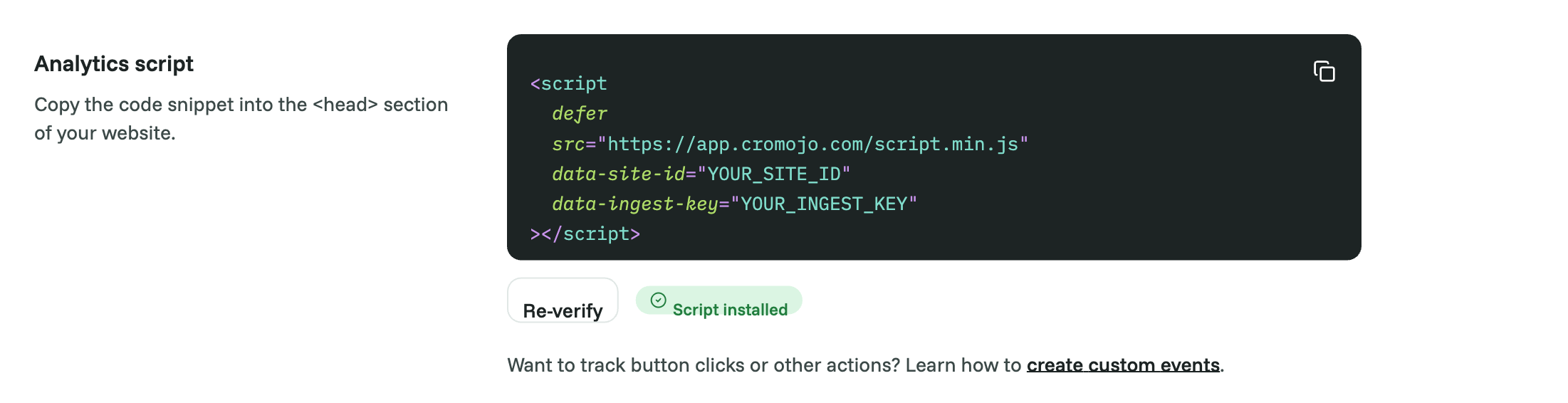
Back in Cromojo, open Settings > Analytics and click Verify Installation, or visit your own site and watch for your visit to appear on the dashboard within a minute or two.
Good to know
If your site uses a shared header or layout file (one file included on every page), paste the script there once and it appears on all pages automatically.
Paste the snippet exactly as copied. Don't remove attributes such as data-ingest-key; without it, visits are ignored.
If you later change your First-party tracking settings in Cromojo, the snippet changes. Paste the new one in place of the old one.
Was this helpful?
Still need help? Ask the team