Indexing Overview
Get your pages found on Google and Bing, faster.
Written By David
Last updated 3 days ago
“Indexing” is how search engines add your pages to their results. If a page isn’t indexed, it simply can’t show up on Google or Bing, no matter how good it is. Cromojo helps you get more of your pages indexed faster and keeps an eye on the ones that fall out.
Why indexing matters
Google doesn’t automatically index every page. A lot of pages never get indexed at all, and many that do drop back out within a few months. Cromojo prompts search engines to crawl your pages sooner, and shows you exactly which ones still need attention.
How it works, in three steps
Connect Google Search Console (GSC). This is the foundation: it lets Cromojo see your pages and submit them. Choose which Search Console property belongs to this website, and add Cromojo's indexing bot as an Owner. See “Do I need a GSC connection for Cromojo to work?”.
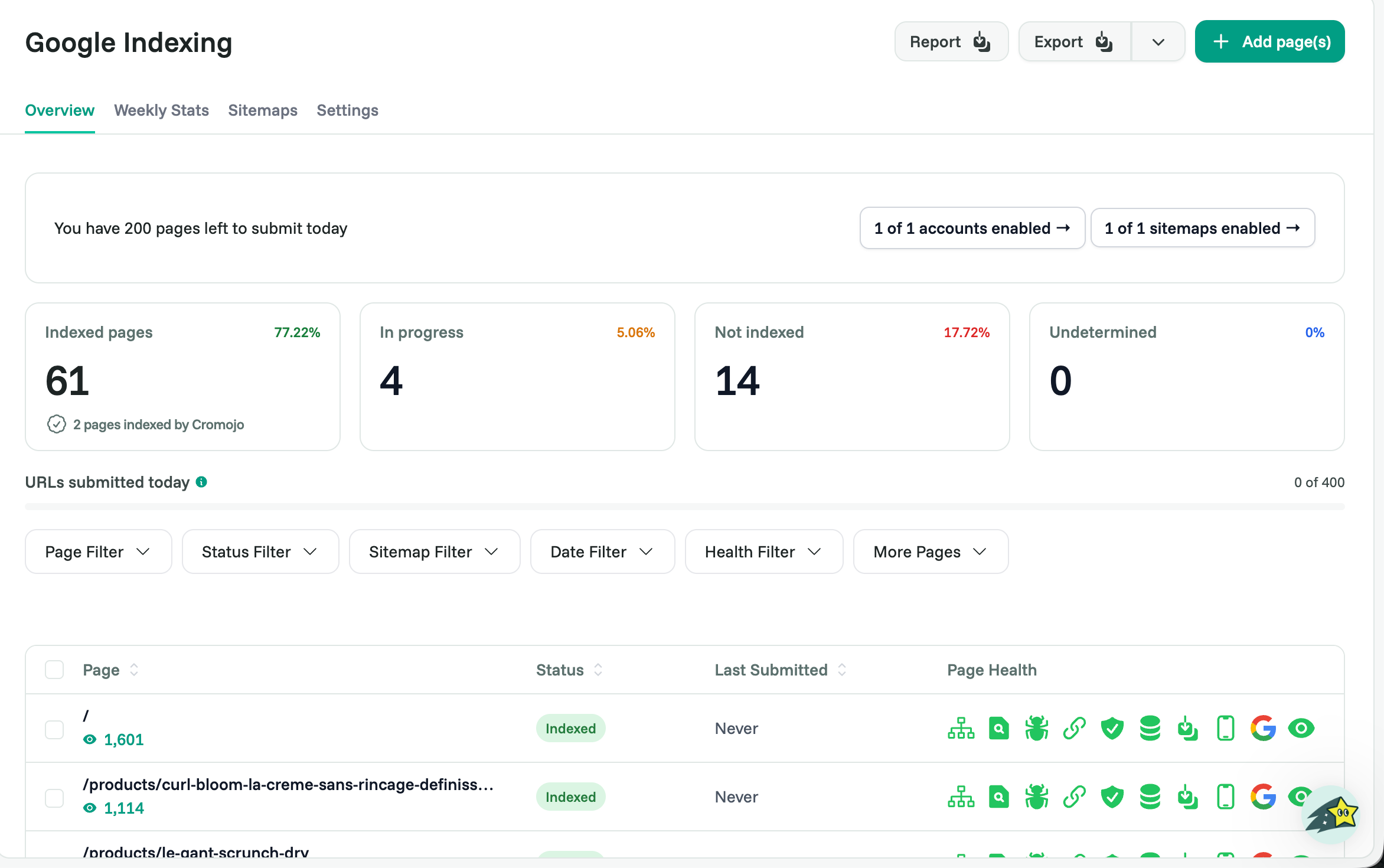
Turn on indexing for your site and let Cromojo submit your pages, automatically or one by one. See “Google Indexing.”
(Optional) Add Bing and IndexNow to reach more search engines. See “Bing Indexing” and “IndexNow Installation Instructions.”
When you turn on Indexing, the Set up Indexing page gives you a checklist of every step.
Keeping pages indexed
Indexing isn’t one-and-done: pages can fall out over time. Cromojo’s reports and Weekly Stats show what’s happening so you can re-submit pages that slip. See “Reports and Exports” and “Weekly Stats.”
Related articles
Was this helpful?
Still need help? Ask the team