Install on WordPress
Add Cromojo with a plugin or your theme header
Written By David
Last updated 16 days ago
On WordPress, the easiest way to add Cromojo is with the free WPCode plugin. You don't edit any code. It takes about three minutes.
Already copied your snippet while adding your website? Skip step 1 and go straight to step 2.
Add the script
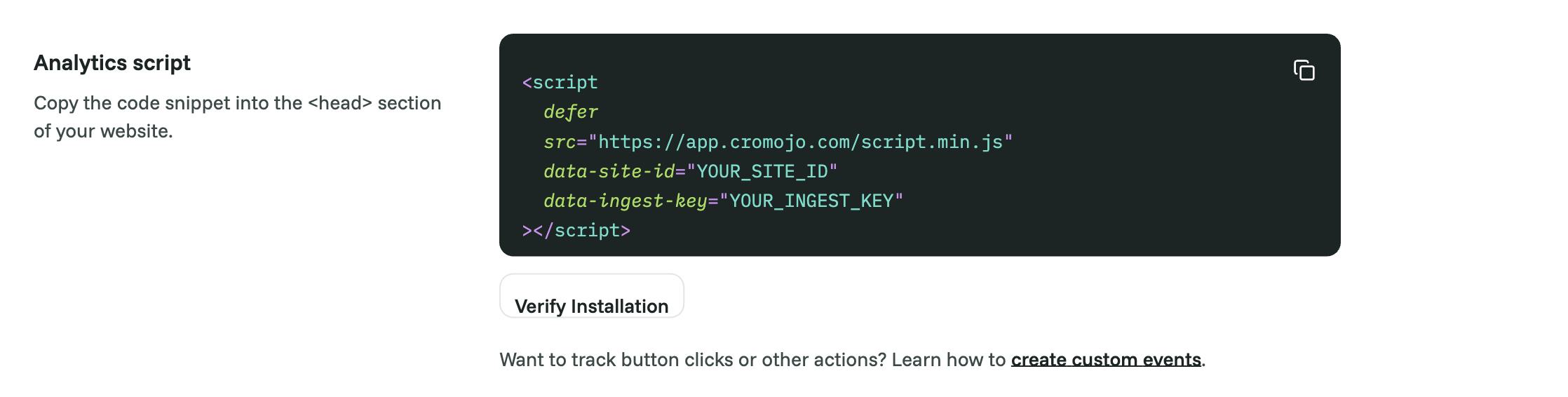
In Cromojo, go to Settings > Analytics and copy the whole snippet.
In your WordPress dashboard, go to Plugins > Add New Plugin, search for WPCode, then click Install Now and Activate. Skip this if WPCode is already installed.
In the left menu, go to Code Snippets > + Add Snippet. Hover over Add Your Custom Code (New Snippet) and click Use snippet.
Give the snippet a name you'll recognise, such as Cromojo analytics.
Set Code Type to HTML Snippet. This is the step people miss. WPCode picks PHP Snippet by default, and the Cromojo script won't work as PHP.
Paste your whole Cromojo snippet into the Code Preview box.
Scroll down to Insertion. Keep Auto Insert selected, and set Location to Site Wide Header. This puts the script on every page.
At the top right, switch the toggle from Inactive to Active, then click Save Snippet.
If you use a caching or speed plugin, clear its cache so visitors get the updated pages.
Your WPCode menu has a Header & Footer page? You can paste the snippet into its Header box and click Save Changes instead. Both ways work. Use only one, so the script isn't added twice.
Verify
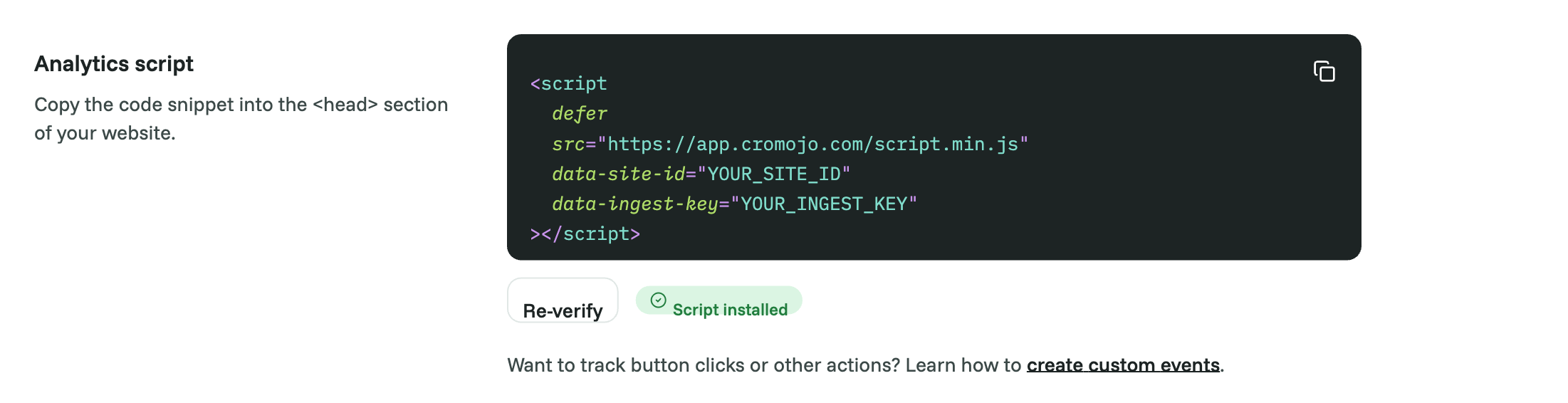
Back in Cromojo, open Settings > Analytics and click Verify Installation, or visit your own site and watch for your visit to appear on the dashboard within a minute or two.
Good to know
Prefer no plugin? You can paste the script into your theme's header.php just before </head>, but theme files can be overwritten when the theme updates, so use a child theme or the plugin method.
No visitors after installing? On WordPress the usual cause is a speed plugin (SiteGround Speed Optimizer, WP Rocket, LiteSpeed Cache, Autoptimize) that combines or delays JavaScript. It stops the script from sending visits. See I installed the script but I don't see any visitors to fix it.
If you later change your First-party tracking settings in Cromojo, the snippet changes. Paste the new one in place of the old one.
Was this helpful?
Still need help? Ask the team