Updates

Follow new updates and improvements to Cromojo.

Install the analytics script with Google Tag Manager
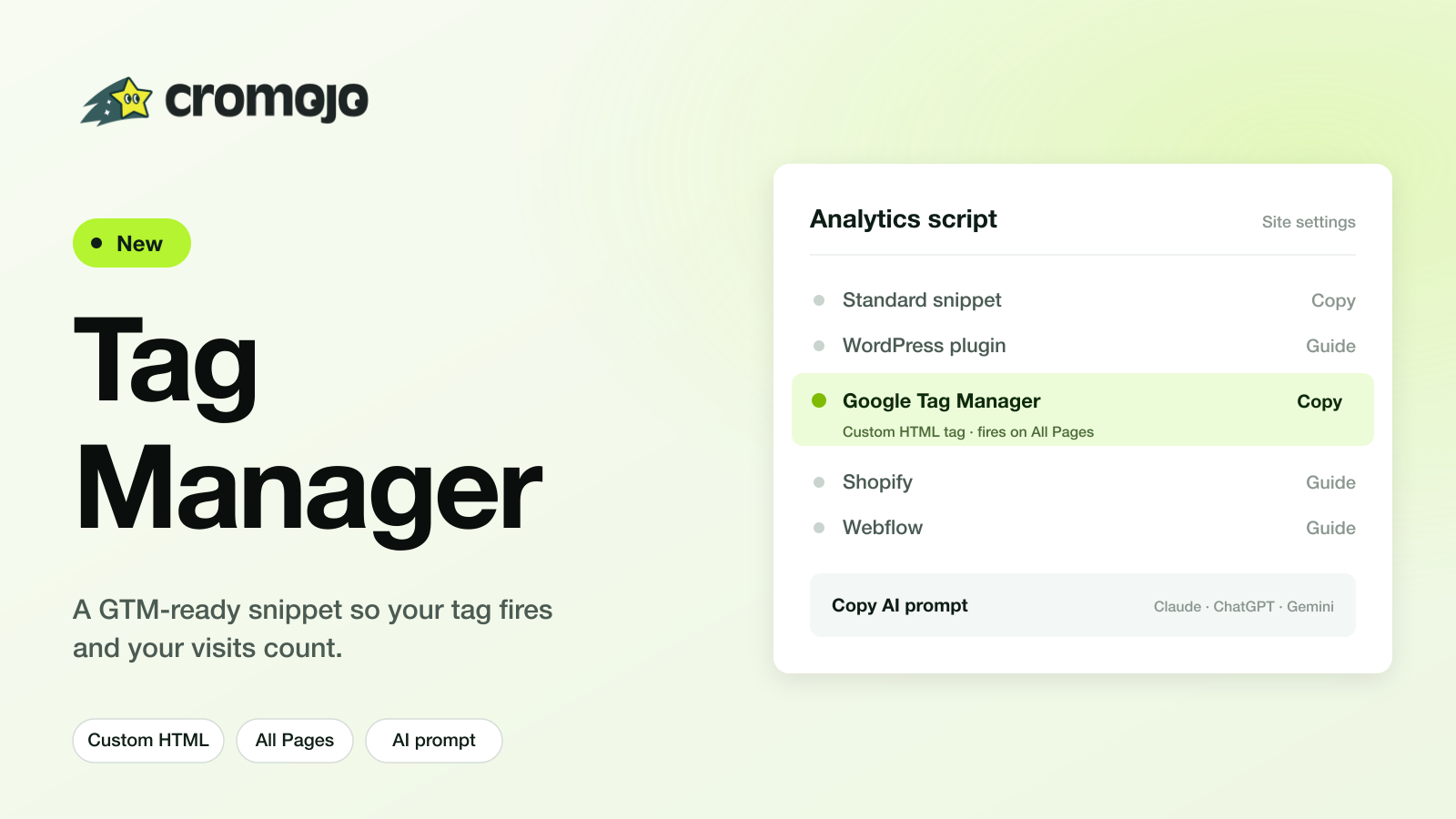
You can now install the Cromojo tracking script through Google Tag Manager.

Why this needed a dedicated option: GTM strips the custom attributes our standard snippet relies on, so the tag could fire in GTM while no visits were actually recorded on your dashboard. The GTM-specific version sets those attributes from code, so visits track correctly.

How to use it:

  • Turn on the "I use Google Tag Manager" switch in Settings → Analytics, in the onboarding Tracking script step, or on the dashboard install screen.

  • The Copy AI prompt button now writes Tag Manager instructions (Custom HTML tag, fires on All Pages) instead of asking you to paste into the page head.

  • Full step-by-step is in the help center.

The CROMOJO team
New

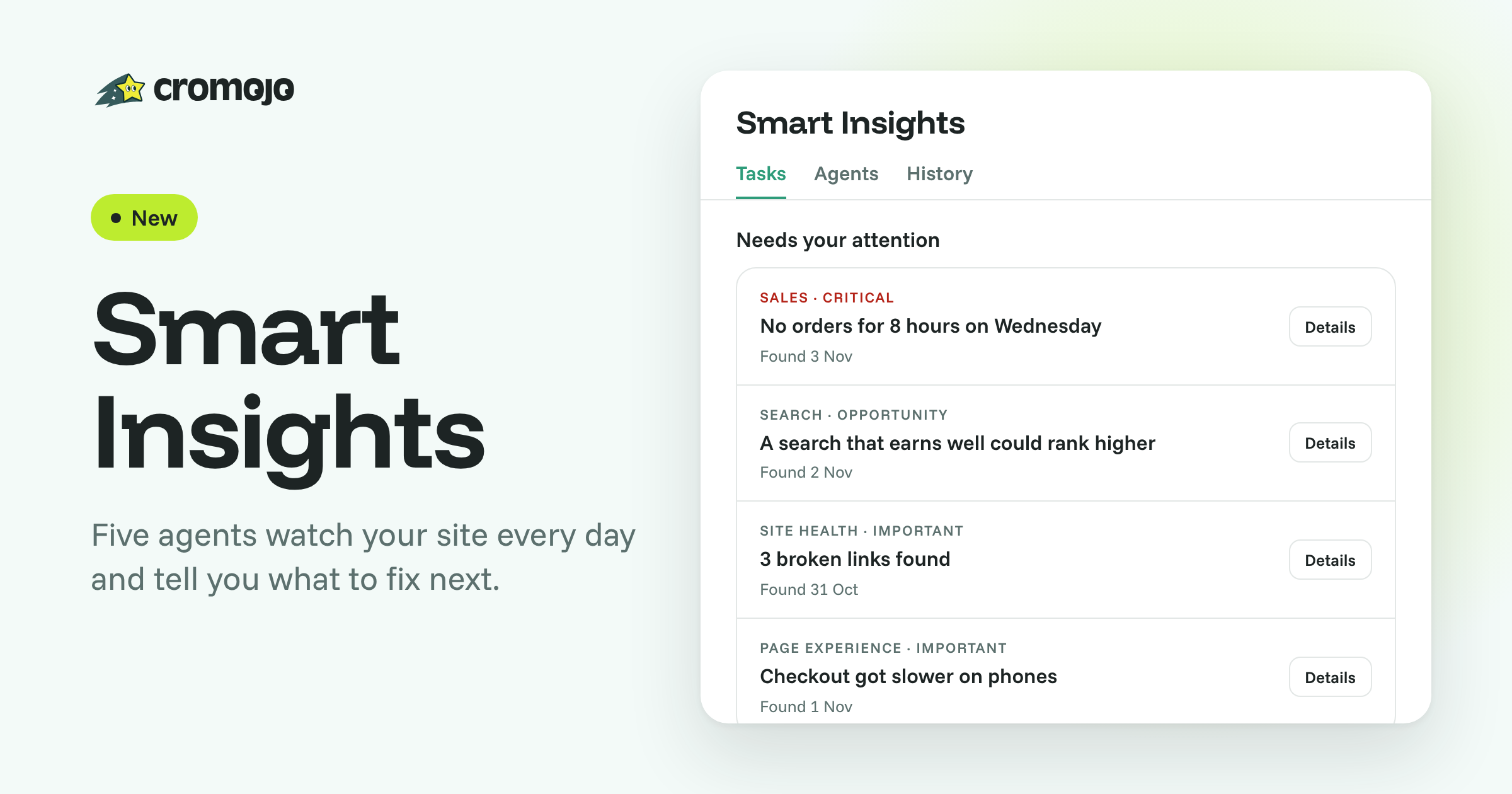
Smart Insights: five agents that watch your site and tell you what to fix

Your dashboards show what happened. Smart Insights tells you what to do about it. Five agents now watch your site every day, and when one of them finds a problem or an opportunity, it lands as a task in your list, with the numbers behind it and the steps to act on it.

Meet your agents:

  • Sales & Conversion: finds where visits stop turning into orders or goals, like an unusual gap in orders or a popular page that rarely converts.

  • Search Visibility: spots search losses and pages you could rank higher.

  • Page Experience: flags slow pages and frustrating visits.

  • Site Health: catches downtime, broken links and expiring certificates.

  • Tracking: warns you when data goes missing or stops adding up, before it misleads you.

Built to be acted on, not scrolled:

  • Your top 5 priorities at a time, most urgent first. When you fix or dismiss one, the next one takes its place, so nothing gets lost.

  • Each task explains itself: open Details for the numbers, why it matters and how to fix it.

  • Mark it done and we check again, so you see the results after your change.

  • Urgent problems reach you fast: critical issues, like orders that stop, are emailed right away, and a weekly email recaps what's new and what's been resolved.

Find it under Smart Insights in your site's sidebar. It replaces the weekly report, and it's included in every paid plan. Some checks need more data or a connection (Search Console, Stripe, Shopify or Domain Monitoring) before they start: the Agents tab shows where each one stands.

Read the full guide: Smart Insights

The CROMOJO team

New

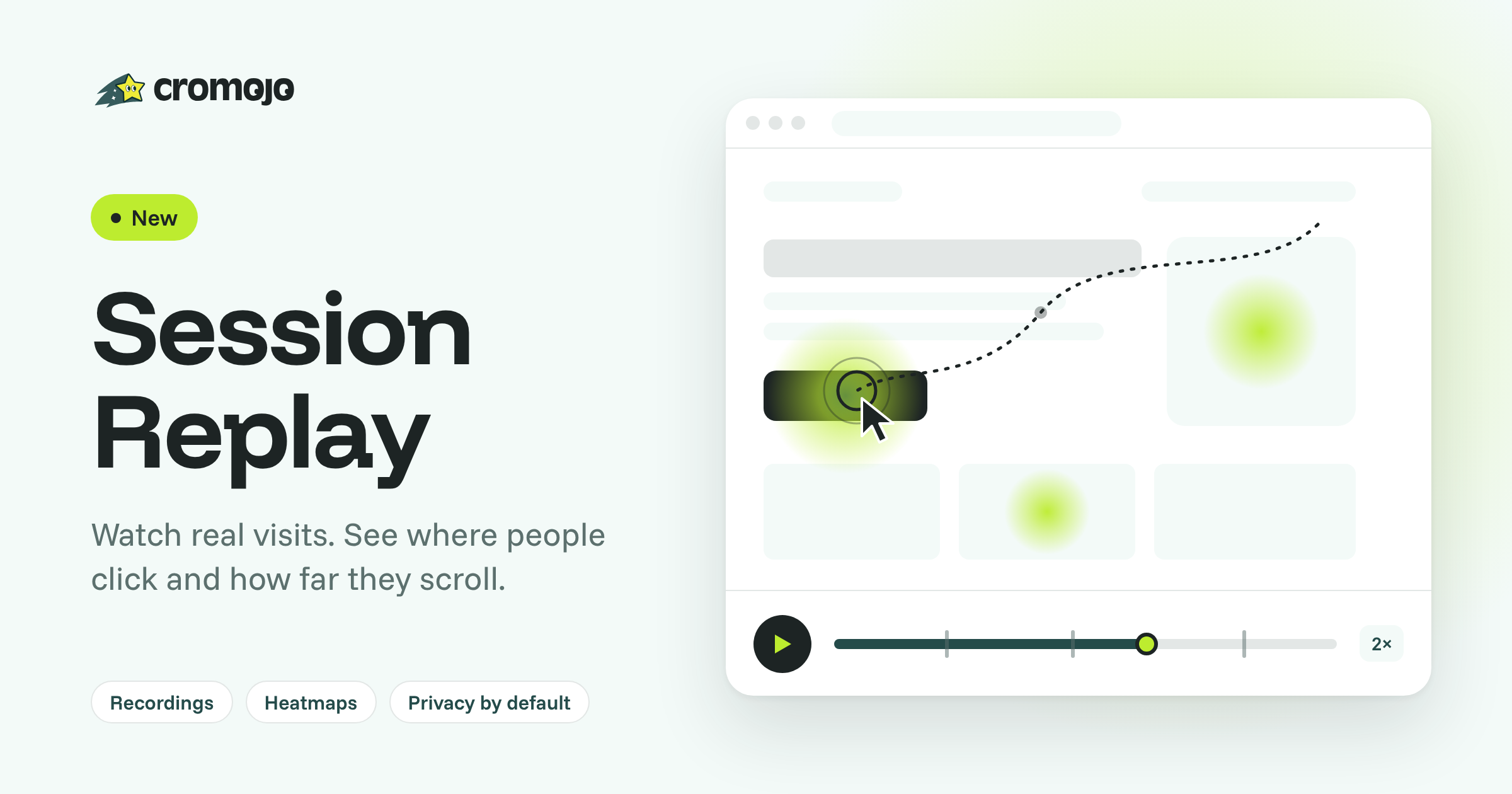
Session Replay: watch real visits, see where people click

Your numbers tell you a page underperforms. The new Session Replay shows you why: watch recorded visits to your website and see where people click and how far they scroll.

What you get:

  • Recordings: play back any visit with mouse movement, clicks, scrolling and page changes. Pause, scrub and speed up.

  • Filters that answer real questions: find visits by page, traffic source, UTM, device or country, and by behaviour: rage clicks, U-turns, JavaScript errors, scroll depth, goals completed or visits that converted.

  • Heatmaps: a click map and a scroll map for any page, on desktop or mobile, built from your recorded visits.

  • Privacy by default: every form field and any text that looks personal is masked in the visitor's browser before anything is sent to us. You can make masking stricter, exclude pages, record a share of visits, or record only after consent. No cookies.

Turn it on in Settings → Analytics → Session Replay with the Record visits switch. Session Replay and Heatmaps then appear in your Web Analytics menu. Nothing to add to your website: it runs from the tracking script you already have.

Included from Starter: 1,000 recordings a month on Starter, 5,000 on Pro, 20,000 on Business and 100,000 on Agency, kept 14, 30, 60 and 90 days respectively.

Read the full guide: Session Replay and Heatmaps

The CROMOJO team

New

Earlier updates